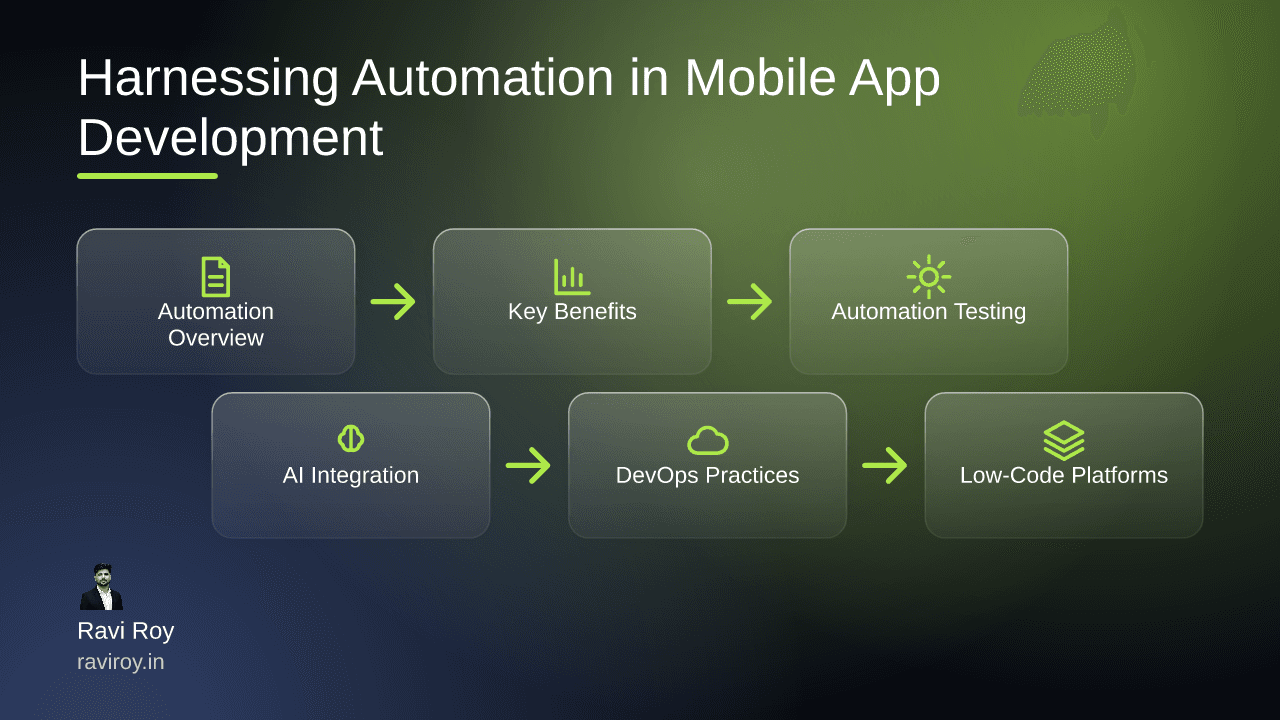
What is Automation in Mobile App Development?
Automation is a game-changer in the realm of mobile app development. By reducing manual effort and minimizing human error, automation accelerates the development process and ensures a high-quality output.
Defining Automation
In the context of mobile app development, automation refers to the use of various tools and technologies to streamline and enhance multiple phases of the development life cycle. This encompasses everything from coding and testing to deployment and maintenance. The aim is to replace repetitive manual tasks with automated processes that can improve speed and efficiency.
Benefits of Automation
The benefits of automation in mobile app development are significant. By minimizing the chances of human error, developers can focus on innovative solutions rather than mundane tasks. Automation not only speeds up processes but also offers greater consistency and reliability, helping teams deliver better quality apps more swiftly.
Key Benefits of Automation in Mobile App Development
Speed and Efficiency
The speed of app development can significantly increase with automation. Automated procedures facilitate faster deployment cycles, allowing companies to bring updates to market promptly. For example, organizations leveraging automation tools have reported up to 50% reductions in deployment time.
Improved Quality Assurance
Automation enhances quality assurance by streamlining testing processes. Automated tests run continuously throughout the development cycle, making it easier to identify bugs and issues early. This practice of continuous integration ensures that quality remains high while keeping the development pace brisk. Companies like Shopify have utilized automation to reduce their testing times significantly.
Understanding Mobile App Automation Testing
What is Mobile App Automation Testing?
Mobile app automation testing employs specialized tools to verify the functionality of an application. Through scripts and automated workflows, it enables teams to conduct comprehensive tests without direct manual input, increasing the frequency and variety of tests executed.
Automated vs Manual Testing
Automated testing offers several distinct advantages, but it also has its drawbacks. While it dramatically reduces time spent on repetitive testing tasks, initial setup can be resource-intensive. Automated testing excels in scenarios requiring extensive regression tests or when quick iterative cycles are necessary—although manual testing remains vital for exploratory testing and complex UI validations.
Integrating AI and Generative AI in App Development
AI's Role in Automation
Artificial Intelligence (AI) takes automation to the next level by enhancing traditional frameworks. AI algorithms can analyze vast datasets to predict issues, streamline workflows, and optimize user experiences. Automation tools that integrate AI assist in predictive maintenance and user behavior analysis.
Benefits of AI-Driven Testing
Generative AI is revolutionizing the automation landscape by predicting potential performance issues based on usage patterns. For instance, apps like Spotify leverage AI-driven automation to react to user behavior in real time, adjusting functionalities without human intervention, which enhances overall user experience and app performance.
Implementing DevOps and CI/CD Practices
Understanding CI/CD
Continuous Integration and Continuous Deployment (CI/CD) are essential practices in modern app development. CI/CD automates the deployment process, allowing teams to push updates and new features quickly. The rhythm of frequent testing and feedback loops enables immediate resolutions and maintains high code quality.
Setting Up CI/CD Tools
To implement CI/CD for mobile apps, choose a combination of tools that suit your workflow. Popular CI/CD tools include Jenkins, CircleCI, and GitLab CI/CD. Follow these steps to set up your CI/CD pipeline:
Select a Version Control System (VCS): Use Git for managing code.
Choose a CI/CD Tool: Install Jenkins for its extensive plugin ecosystem.
Create a Build Script: Write scripts that automate the build process using platforms like Gradle.
Define Testing Stages: Incorporate automated tests at various checkpoints.
Automate Deployments: Configure your pipeline to deploy to app stores or testing environments automatically.
Exploring Low-Code/No-Code Platforms
Pros and Cons of Low-Code Automation
Low-code and no-code platforms are gaining traction for their ability to simplify the app development process. While they offer a general ease of use, allowing those with limited coding backgrounds to participate, they can also present scalability challenges.
Popular Low-Code Platforms
Some popular low-code platforms that enable automation include:
OutSystems: Known for its robust enterprise solutions.
Mendix: Offers excellent integration capabilities and a vibrant community.
Bubble: Great for prototyping and startup projects.
While each platform has its pros and cons, they all help reduce development times, allowing teams to refocus their efforts on core functionalities.
Challenges in Mobile App Automation
Common Obstacles
Despite the many advantages of automation, challenges persist. These can include resistance to change among team members, complexity in integrating new tools, or a lack of training for staff.
Strategies to Overcome Challenges
To navigate these obstacles, consider the following strategies:
Provide Training: Empower your teams with the knowledge needed to utilize automation effectively.
Pilot Projects: Start with small-scale automation efforts to demonstrate value and gain buy-in.
Collaborate: Foster collaboration between teams to encourage sharing of best practices and learnings.
For instance, implementing smaller automation tools before cascading into larger systems could ease the transition.
Popular Tools for Mobile App Test Automation
Overview of Testing Tools
There’s a myriad of tools available for mobile app test automation:
Appium: An open-source tool popular for testing mobile applications across platforms.
Calabash: Supports automated functional testing.
Robot Framework: Offers easy integration with other tools and supports various testing libraries.
Choosing the Right Tool
When selecting a testing automation tool, consider:
Team Skill Set: Choose a tool that aligns with your team's expertise.
Integration Capabilities: The tool should integrate seamlessly into your existing workflow.
Community Support: Community-backed tools often provide better resources and troubleshooting options.
Real-world case studies illustrate the effectiveness of these tools, showcasing how they speed up development cycles and enhance the overall quality of mobile applications.
As you stand at the crossroads of automation in mobile app development, which tools have you implemented? What challenges have you faced in your journey toward adopting automation?
💬 Join the conversation — share your take in the comments and tell us what you’d add.